Client-side file conversion · FFmpeg WebAssembly · PWA
Konvert - Professional File Converter
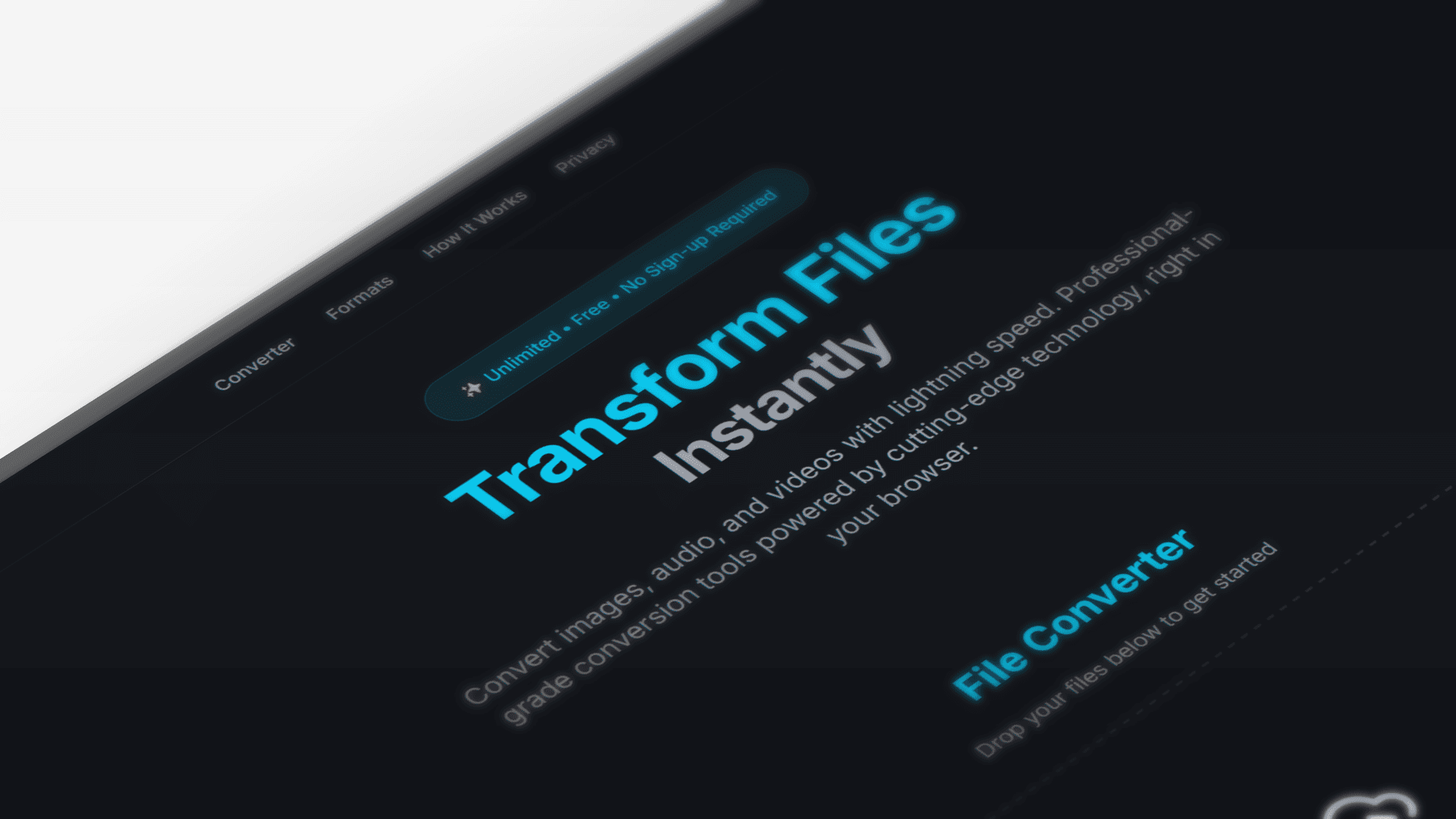
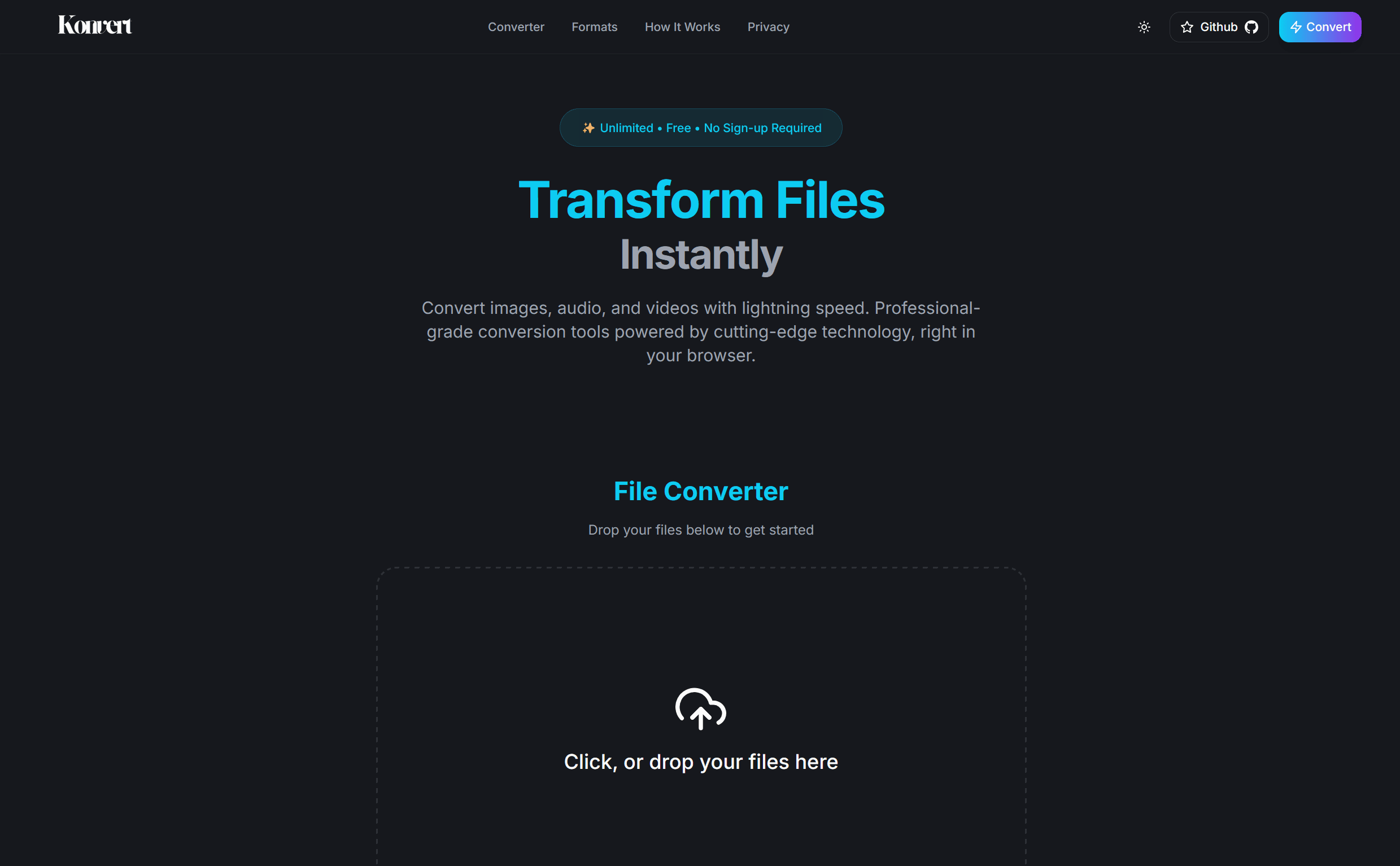
A privacy-first file converter that runs entirely in your browser. No uploads, no servers just drag a file in and convert it locally with FFmpeg WebAssembly.
Privacy-First
100% client-side
Fast Conversion
Local processing
40+ Formats
Images, video, audio
PWA Ready
Mobile optimized
Technology Stack
Frontend & Core
Processing & Libraries
How It Works
Client-Side Conversion
Everything runs in the browser using FFmpeg WebAssembly. That means your files never leave your device, and you can still get full FFmpeg-level conversions without a backend.
FFmpeg WebAssembly Integration
I load FFmpeg from a CDN, initialize it in the browser, and route each conversion through format-specific commands.
// FFmpeg initialization
export default async function loadFfmpeg(): Promise<FFmpeg> {
  const ffmpeg = new FFmpeg();
  const baseURL = "https://unpkg.com/@ffmpeg/core@0.12.2/dist/umd";
  await ffmpeg.load({
    coreURL: await toBlobURL(`${baseURL}/ffmpeg-core.js`, "text/javascript"),
    wasmURL: await toBlobURL(`${baseURL}/ffmpeg-core.wasm`, "application/wasm"),
  });
  return ffmpeg;
}

// Format-specific conversion
export default async function convert(ffmpeg: FFmpeg, action: Action) {
  const { file, to, file_name } = action;
  const input = getFileExtension(file_name);
  const output = removeFileExtension(file_name) + "." + to;

  // Format-specific FFmpeg commands
  let ffmpeg_cmd: any = [];

  if (to === "3gp") {
    ffmpeg_cmd = ["-i", input, "-r", "20", "-s", "352x288"];
  } else if (["jpg", "jpeg", "png"].includes(to.toLowerCase())) {
    ffmpeg_cmd = ["-i", input, output];
  }
  // ... more format handling
}
Supported File Formats
Konvert supports 40+ file formats across images, videos, and audio, including modern formats like WebP, AVIF, and HEIC.
Image Formats (20+)
- JPG ↔ PNG (transparency support)
- PNG ↔ WebP (modern optimization)
- WebP ↔ AVIF (next-gen formats)
- HEIC → JPG/PNG (iPhone compatibility)
- BMP ↔ TIFF (professional imaging)
- SVG → Raster (vector conversion)
Video Formats (15+)
- MP4 ↔ AVI (cross-platform)
- MOV ↔ WebM (Apple to web)
- MKV ↔ MP4 (streaming compatibility)
- FLV → Modern (legacy upgrading)
- 3GP → MP4 (mobile enhancement)
- WMV → MP4 (Windows Media)
Audio Formats (12+)
- MP3 ↔ WAV (quality vs size)
- FLAC ↔ MP3 (lossless to compressed)
- OGG ↔ AAC (open source to standard)
- M4A ↔ MP3 (Apple to universal)
- WMA → Modern (Windows Media)
- AIFF ↔ WAV (professional audio)
Performance & UX
Real-Time Processing
Files convert in the browser with real-time progress and batch processing. You can queue multiple files and watch each one update as it goes.
// Real-time progress tracking
const [actions, setActions] = useState<Action[]>([]);
const [is_loaded, setIsLoaded] = useState<boolean>(false);
const [is_converting, setIsConverting] = useState<boolean>(false);

// Batch processing support
const convertFiles = async () => {
  for (const action of actions) {
    setActions((prev) =>
      prev.map((a) => (a === action ? { ...a, is_converting: true } : a))
    );
    // Process file with progress updates...
  }
};
Challenges
The hardest part was getting FFmpeg to load reliably in the browser without blowing up memory. Large files can crash a tab fast if you don't stream and clean up properly.
Another challenge was handling dozens of formats without overwhelming the UI. I ended up building format-specific command builders and a simple preset system so users don't have to think about encoding flags.